The files remain yours
Every note is ordinary Markdown. There is no proprietary database and nothing locked inside the editor.
Nota · Markdown editor for Linux and Windows
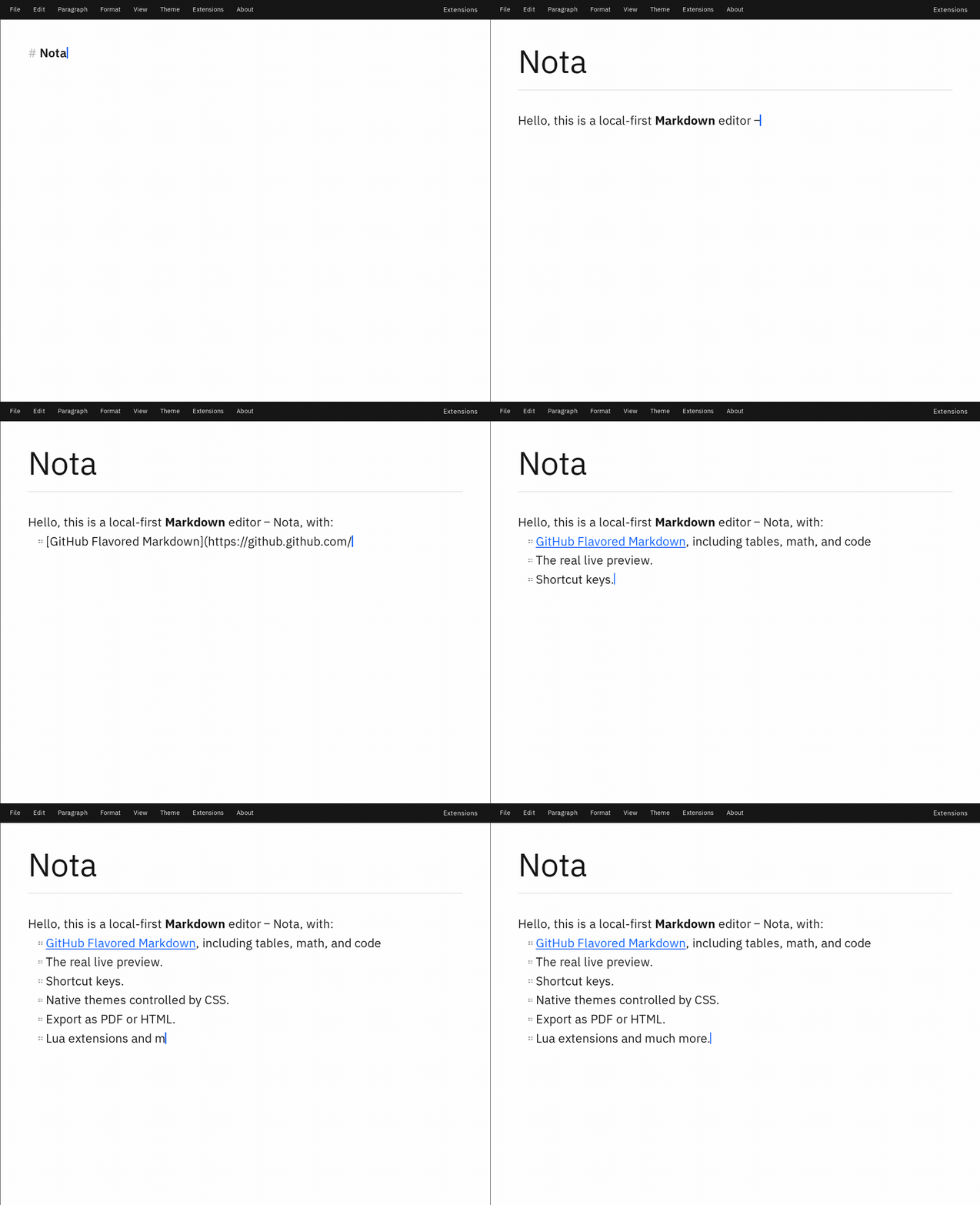
Open a file and write. Formatting takes shape while you type, then recedes into a calm page. No account. No proprietary database.
# Field notes

Formatting is **part of the**
**writing**.

> Source marks appear only
> when you need them.

```sh
nota notes.md
```
Formatting is part of the writing.
Source marks appear only when you need them.
nota notes.md
Settle into writing
Headings, emphasis, quotes and code take shape as you type. The document underneath remains ordinary Markdown, ready for any other tool.
Made for the desktop
Nota opens as a native window with local file access, a compact GNOME-style workspace and themes that can meet the rest of your desktop.
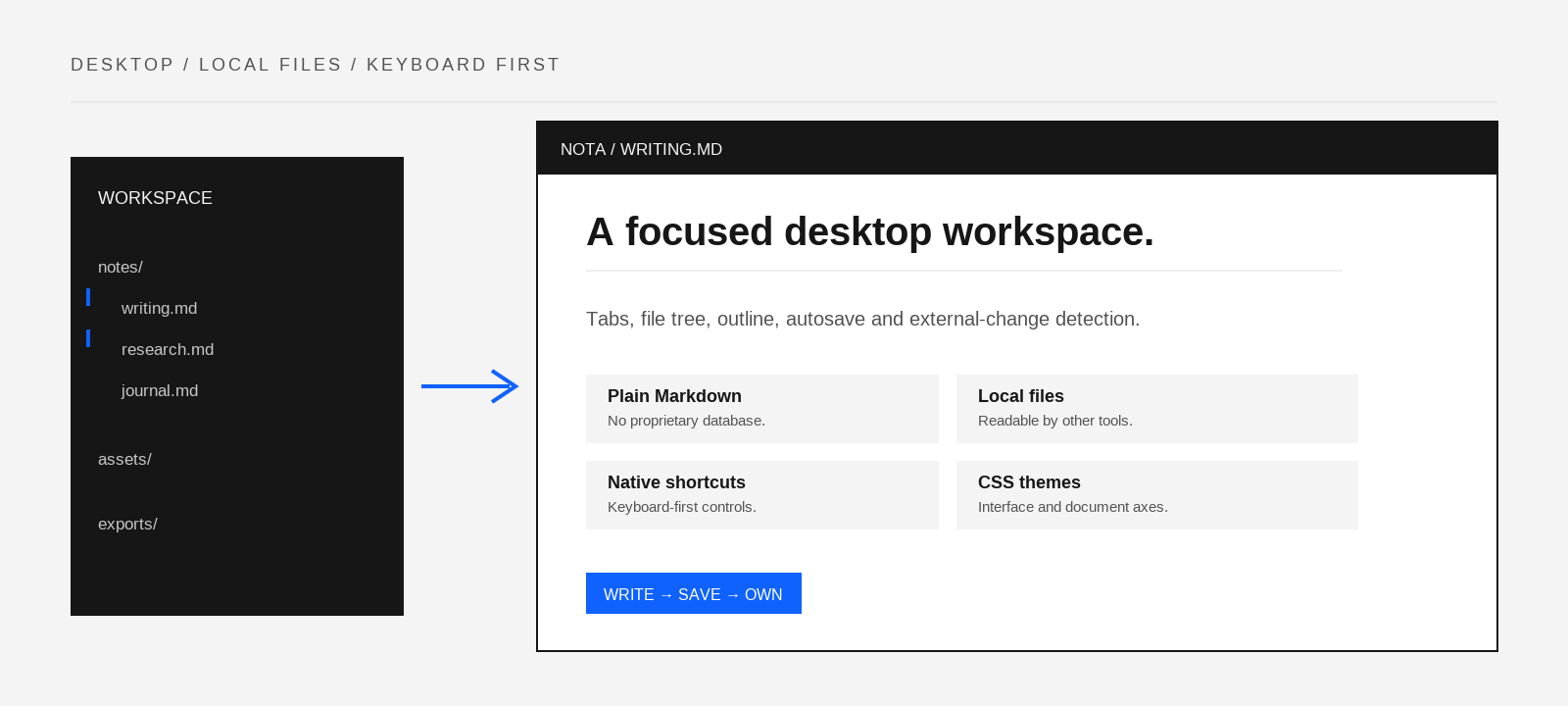
Every note is ordinary Markdown. There is no proprietary database and nothing locked inside the editor.
See the rendered result while writing; move the caret to reveal the quiet source marks you need to edit.
Native windows and local file access. Starting the app, switching documents and opening large files does not wait for browser tabs.
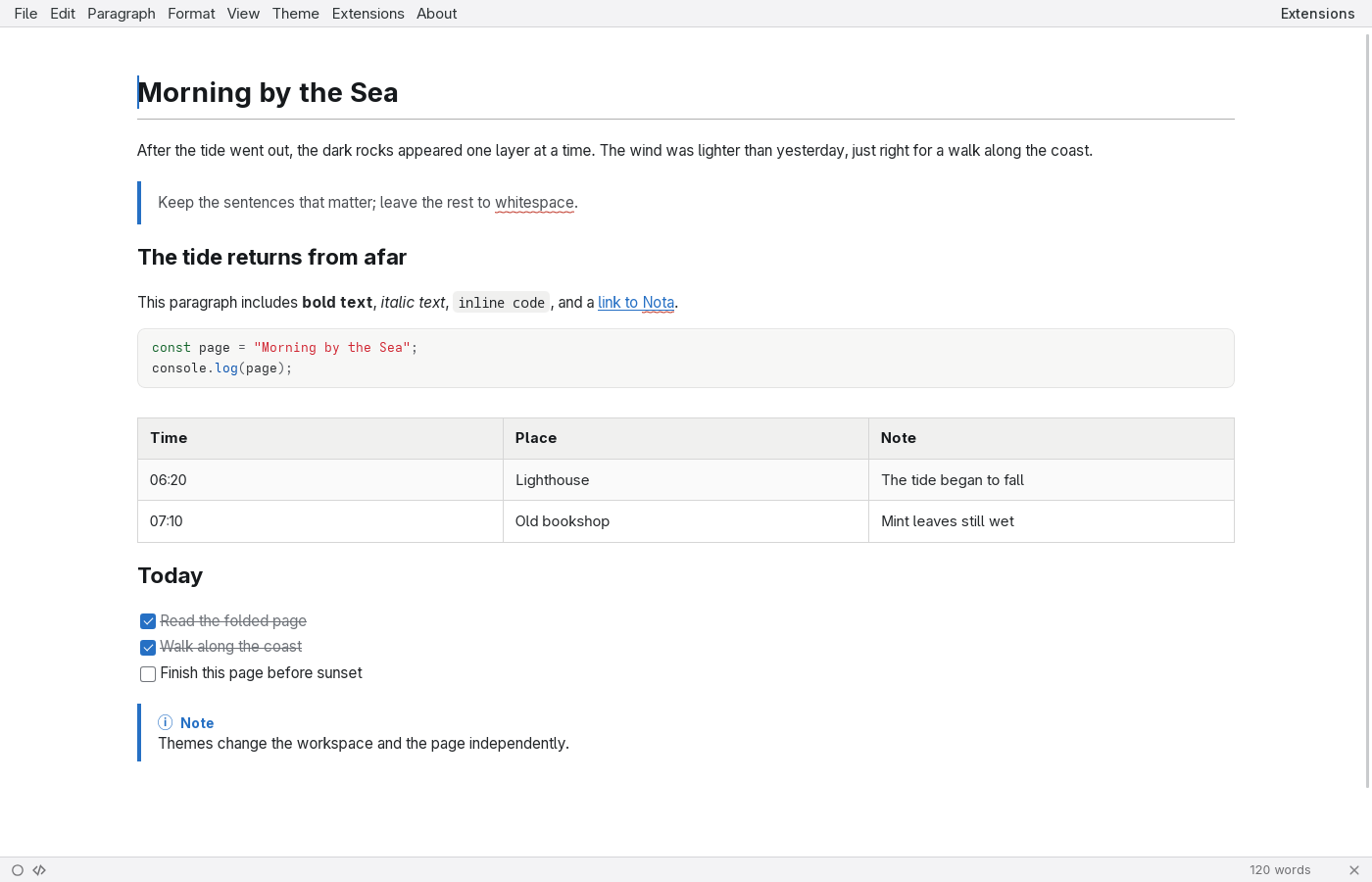
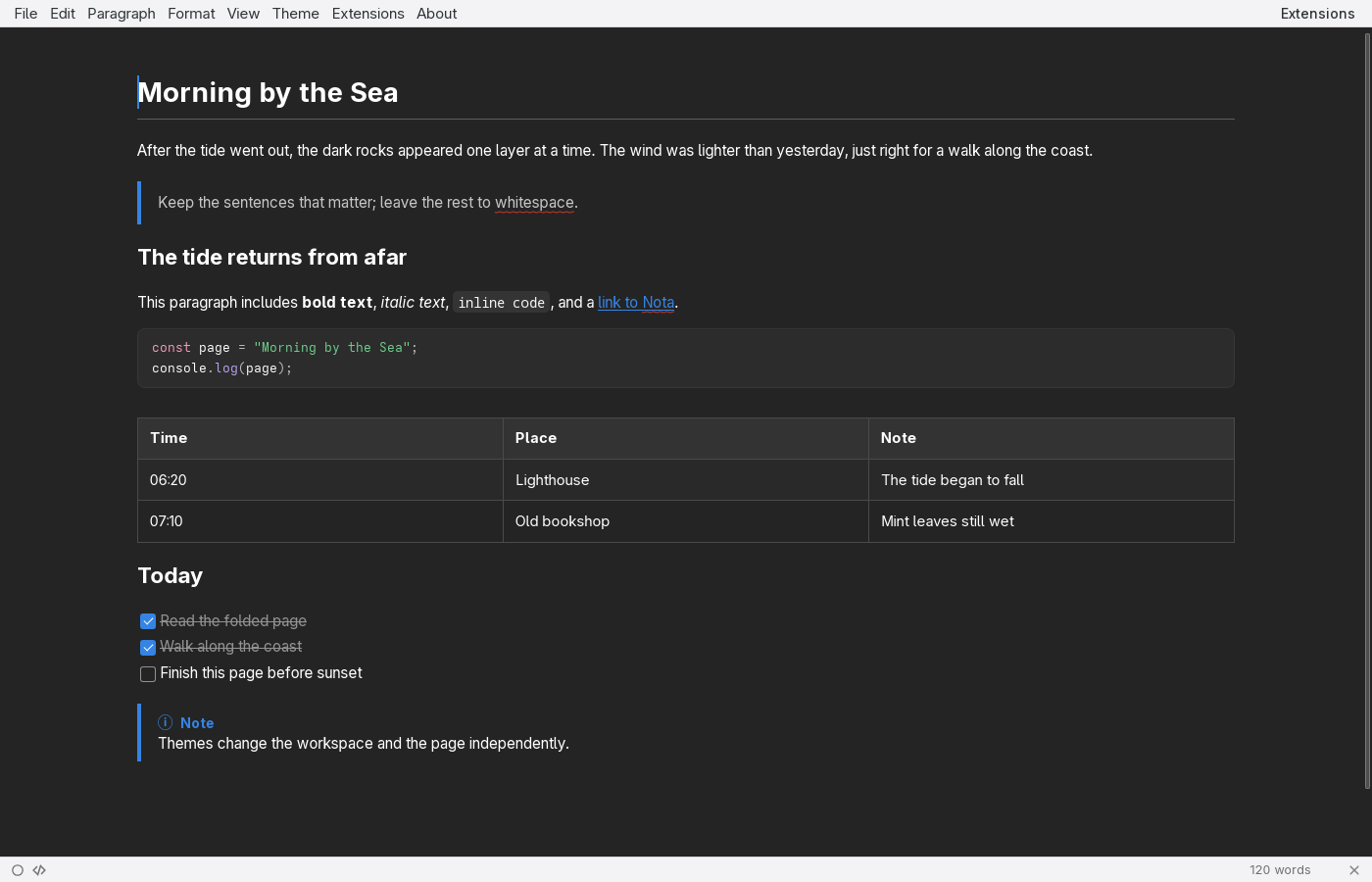
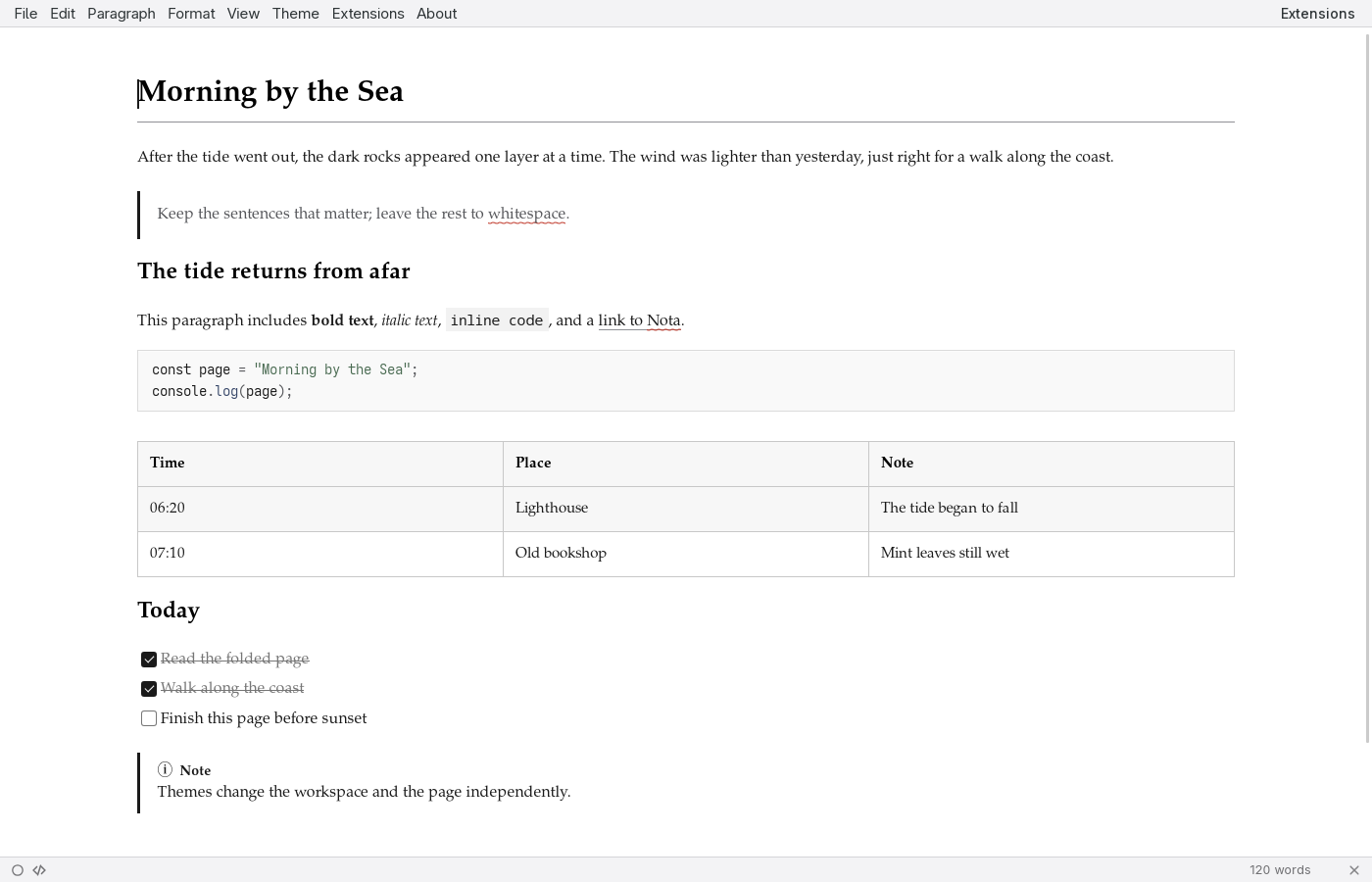
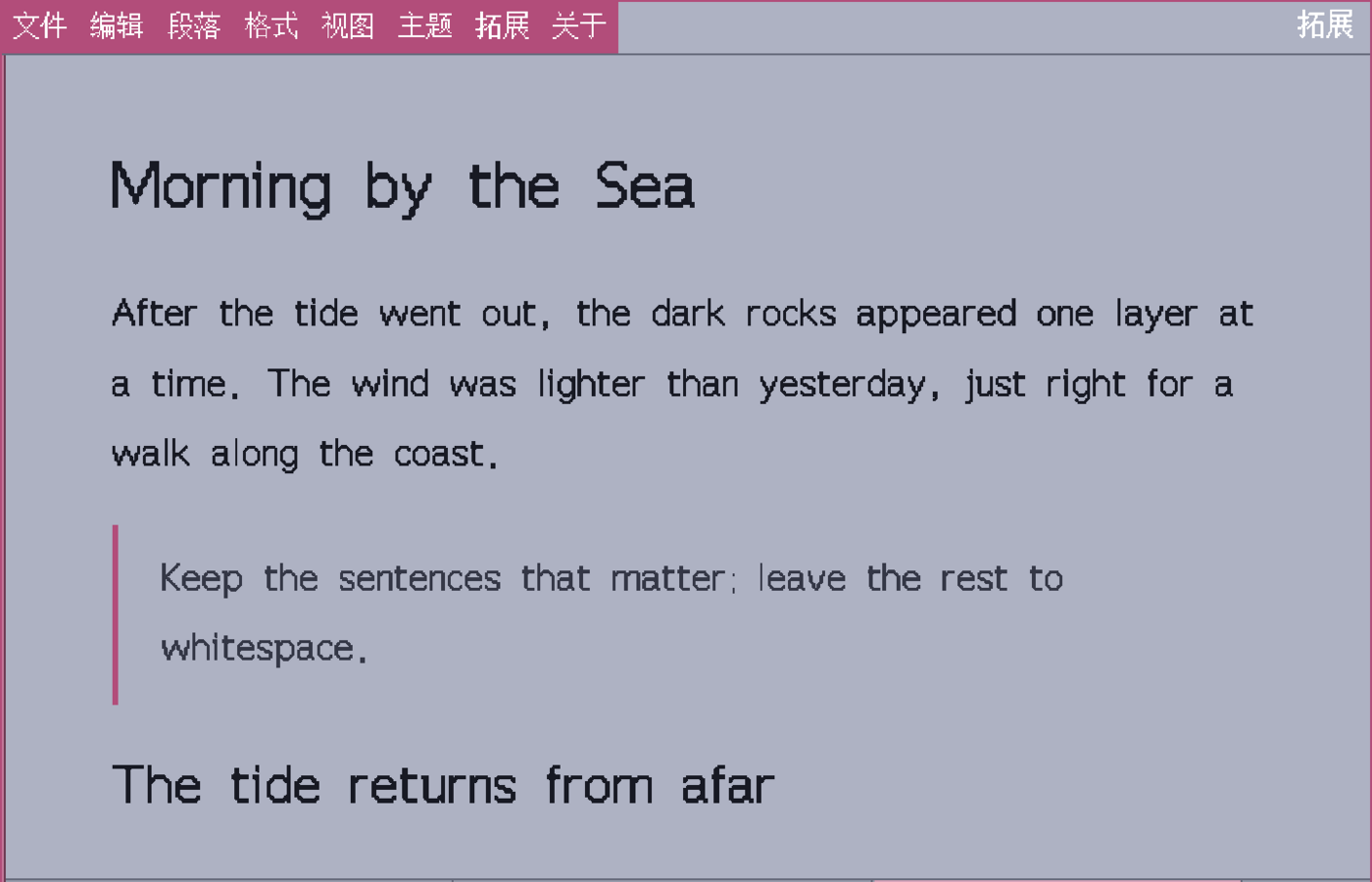
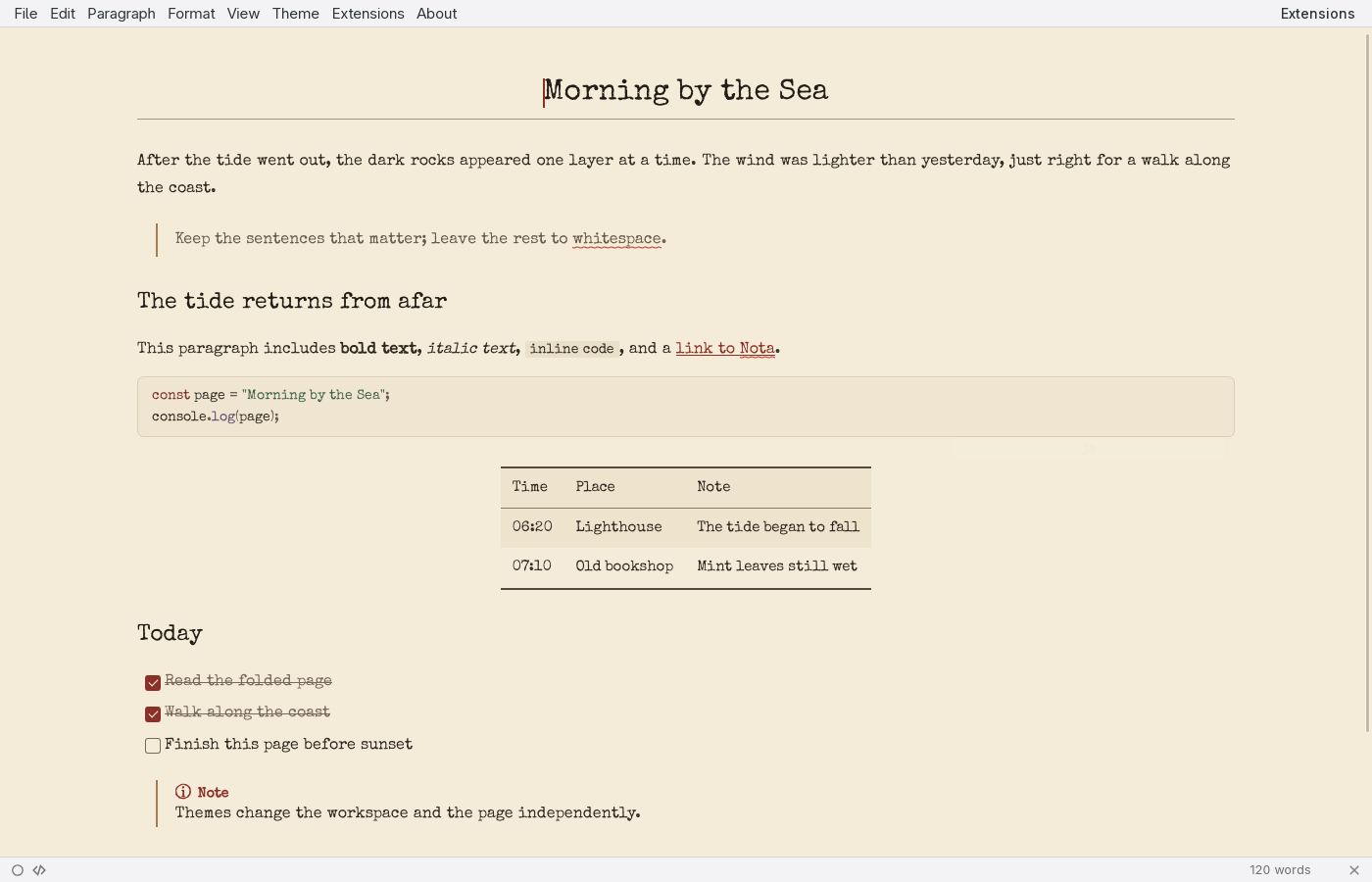
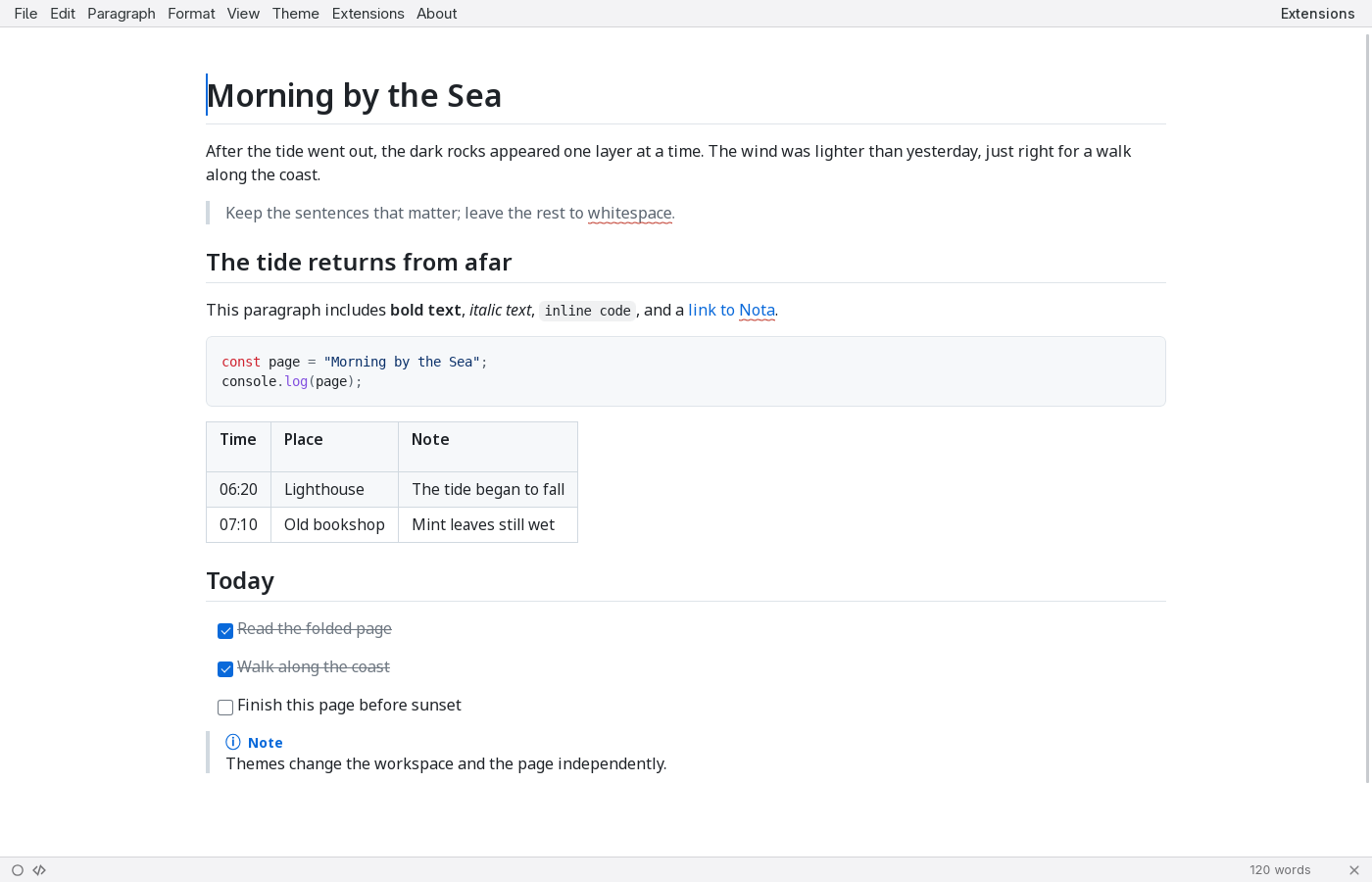
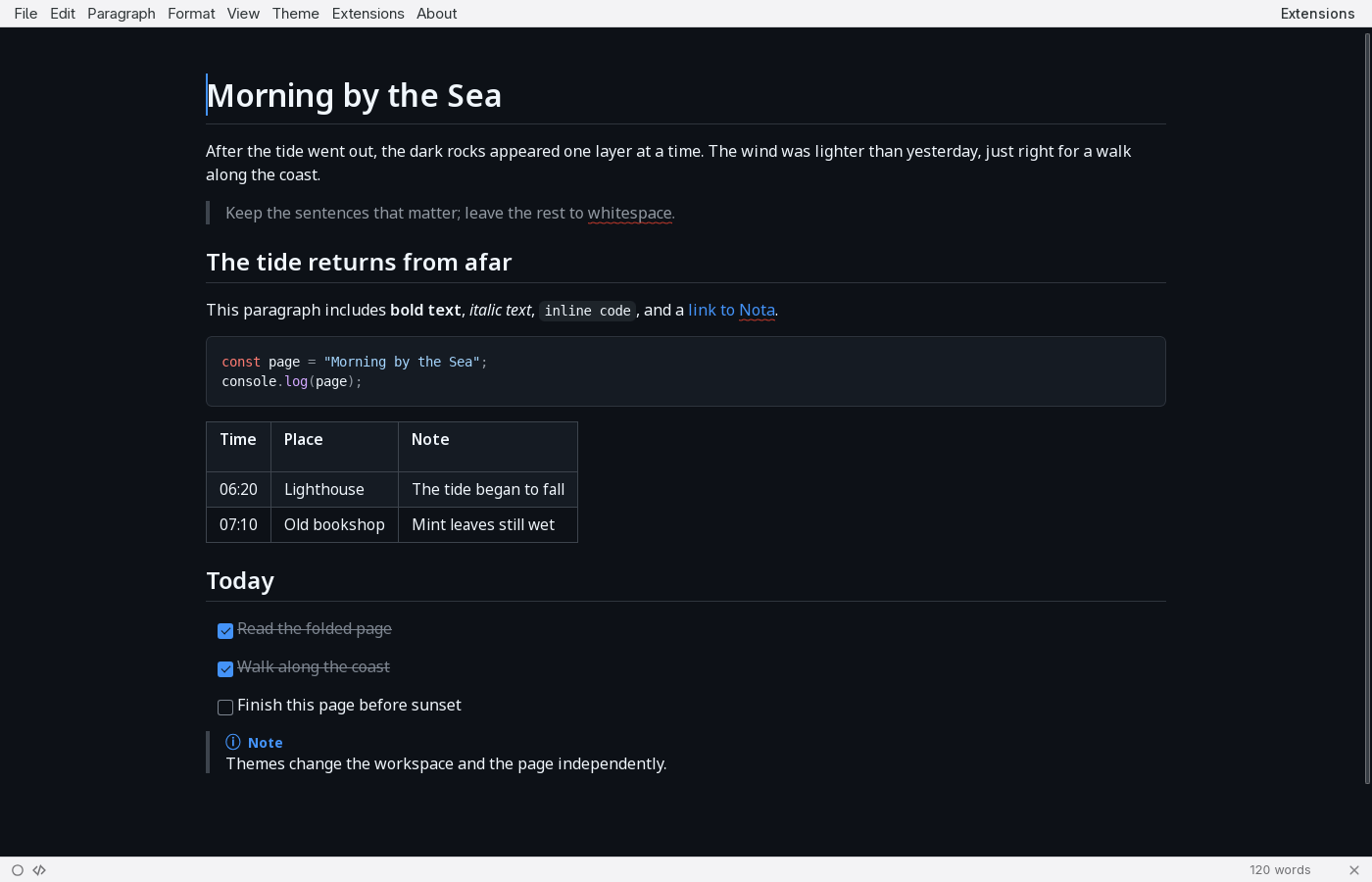
Nota Themes
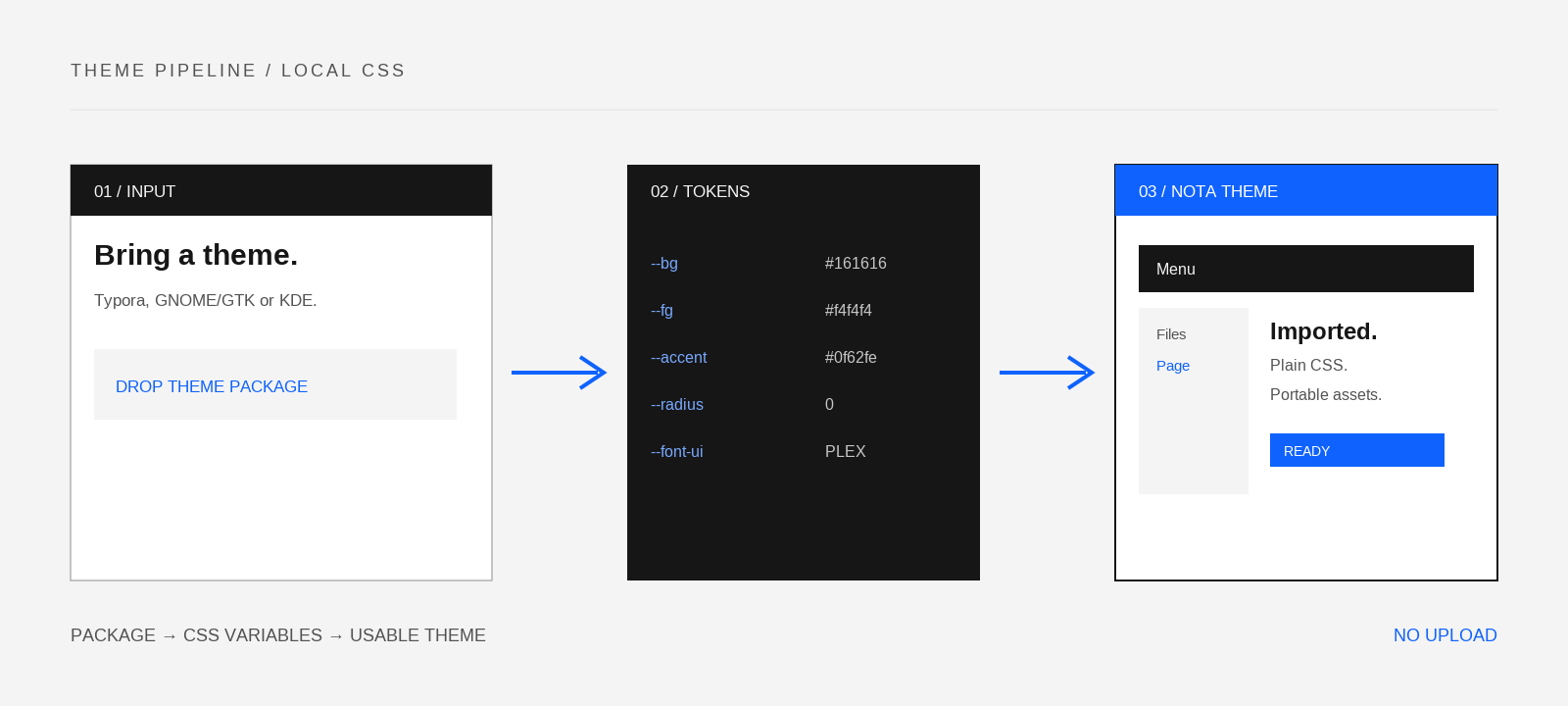
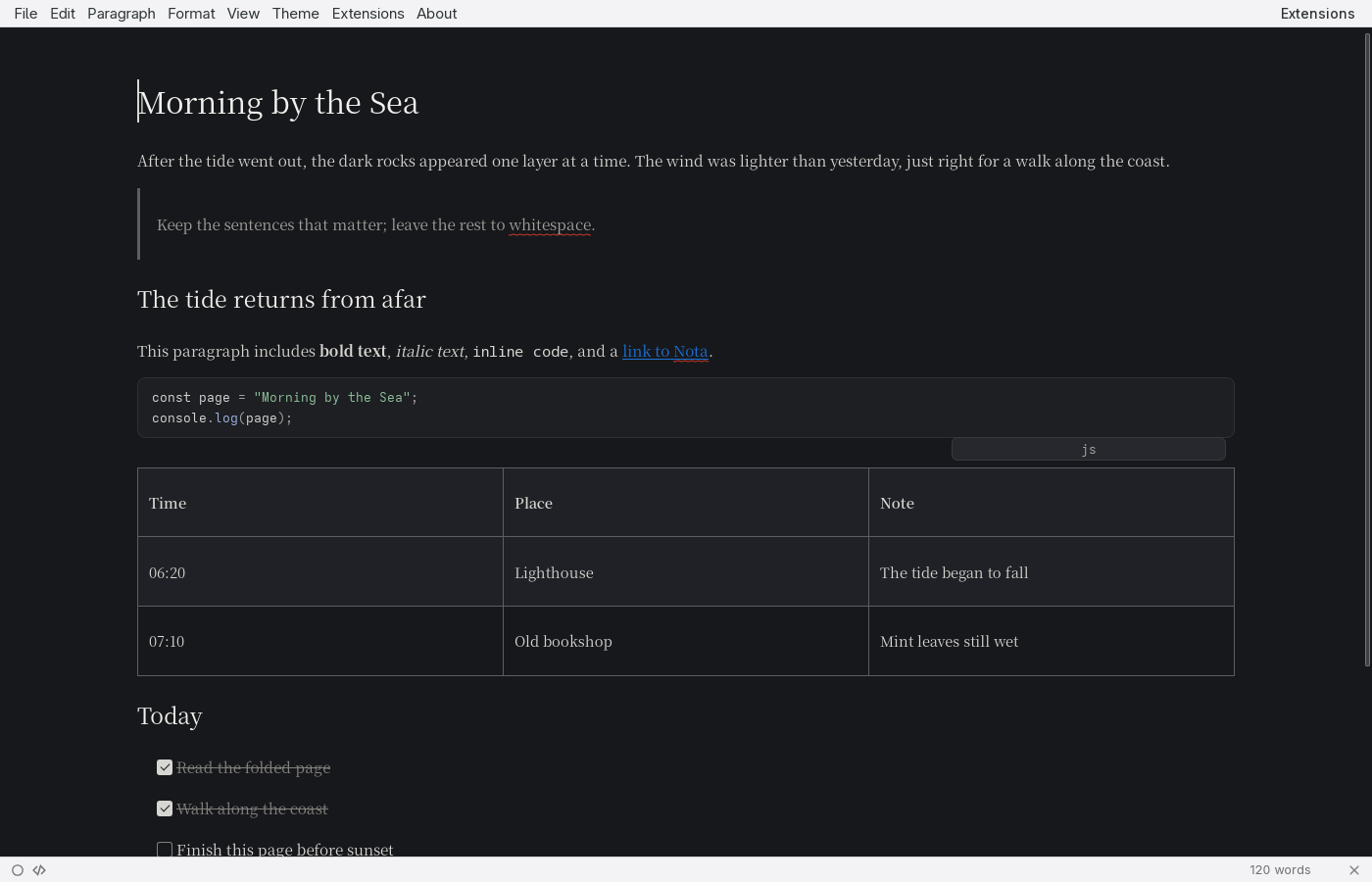
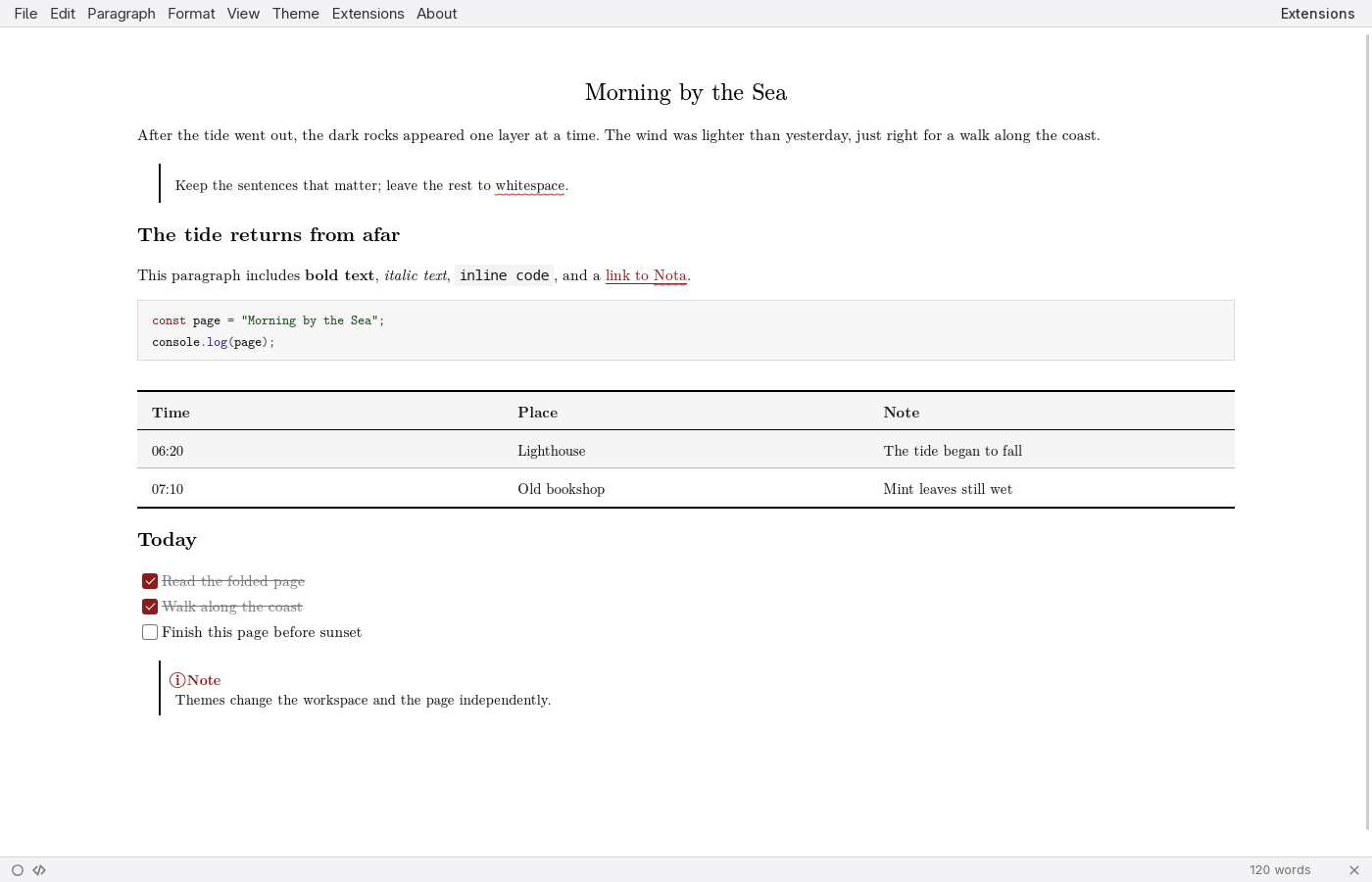
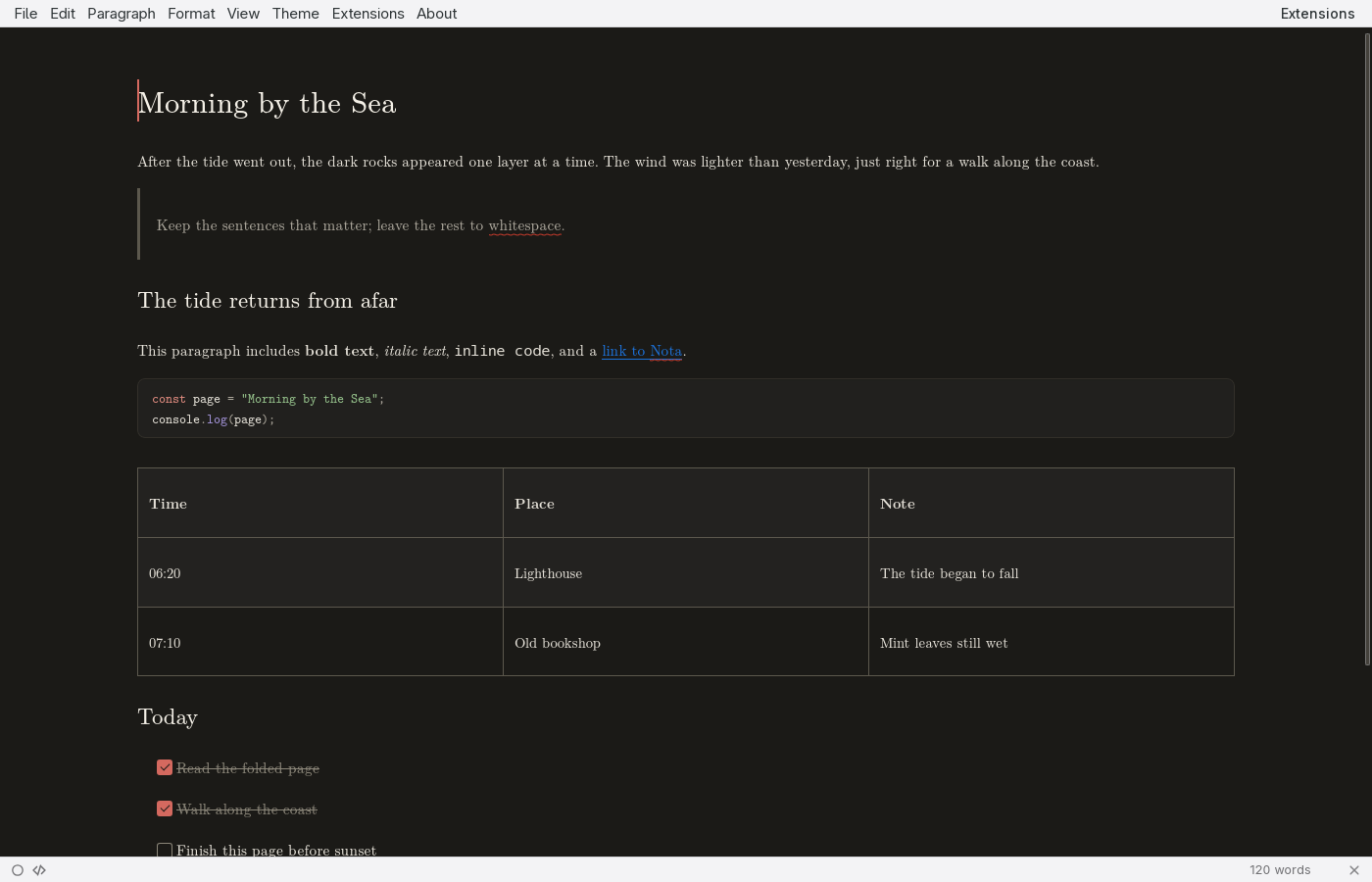
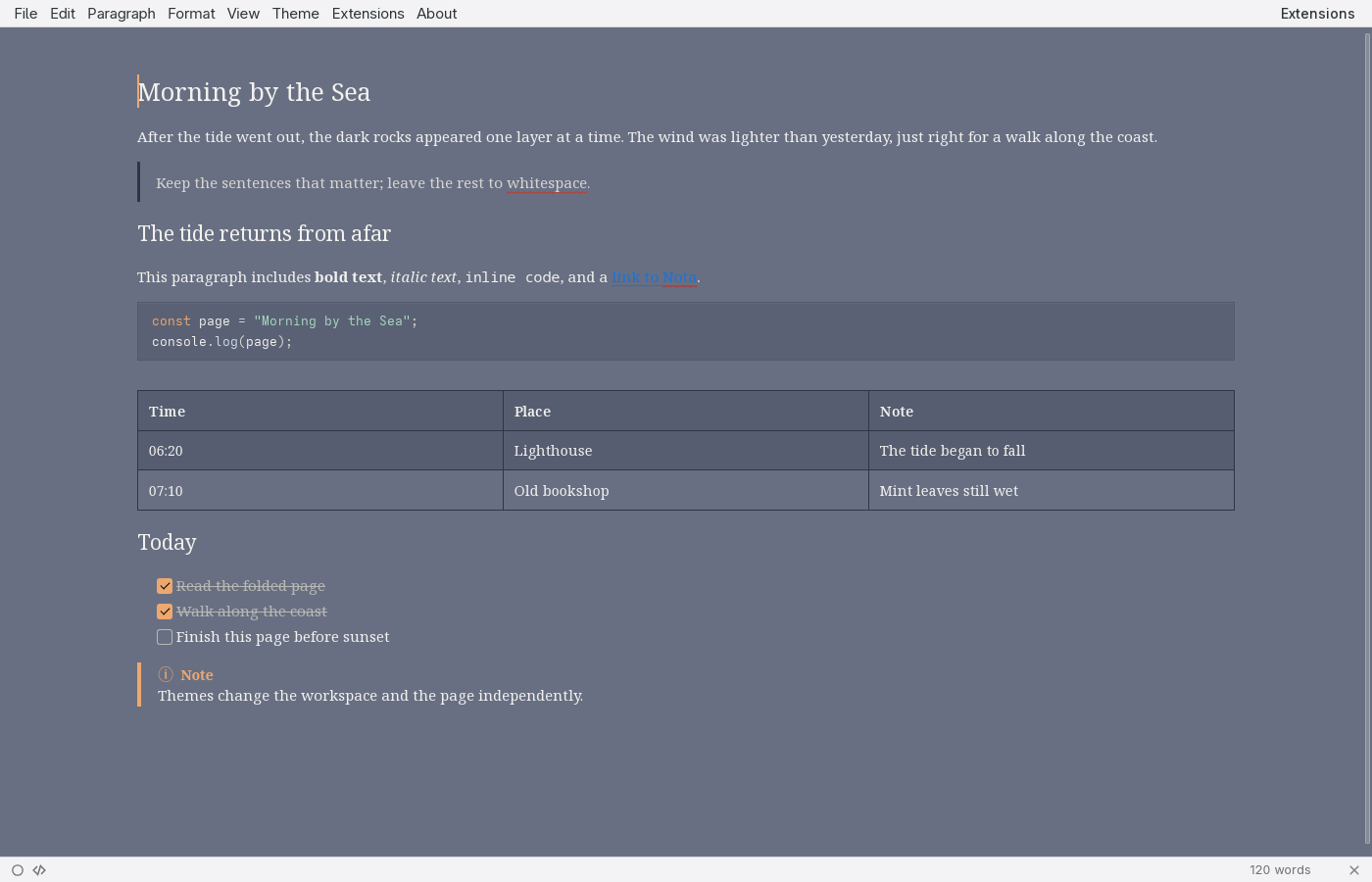
Interface themes change the workspace; document themes change the page. Both are made only from CSS and adjacent assets, loaded live from the theme repository.
Browse all themes ↗Every capture uses the same document content and toolbar state.
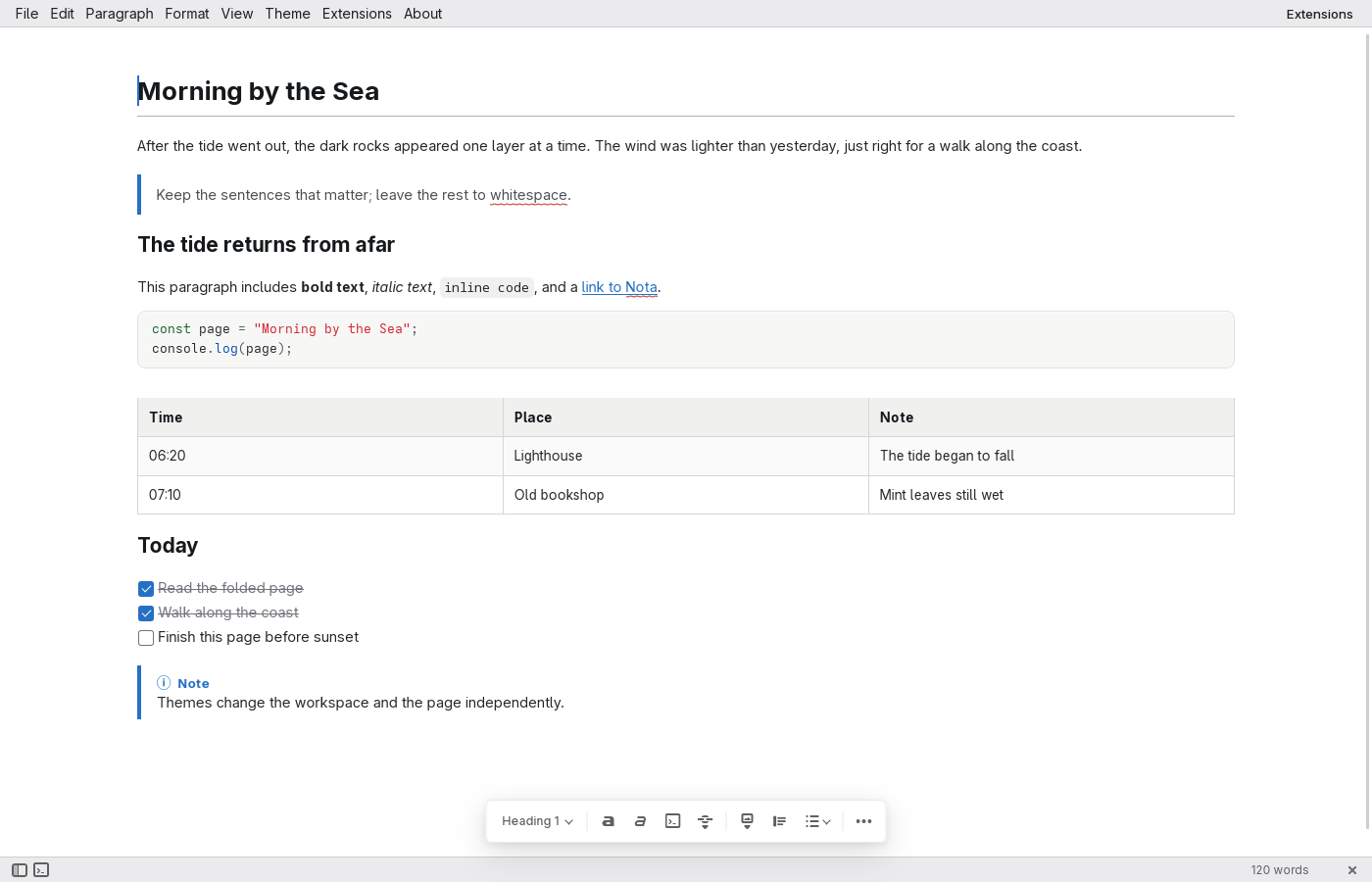
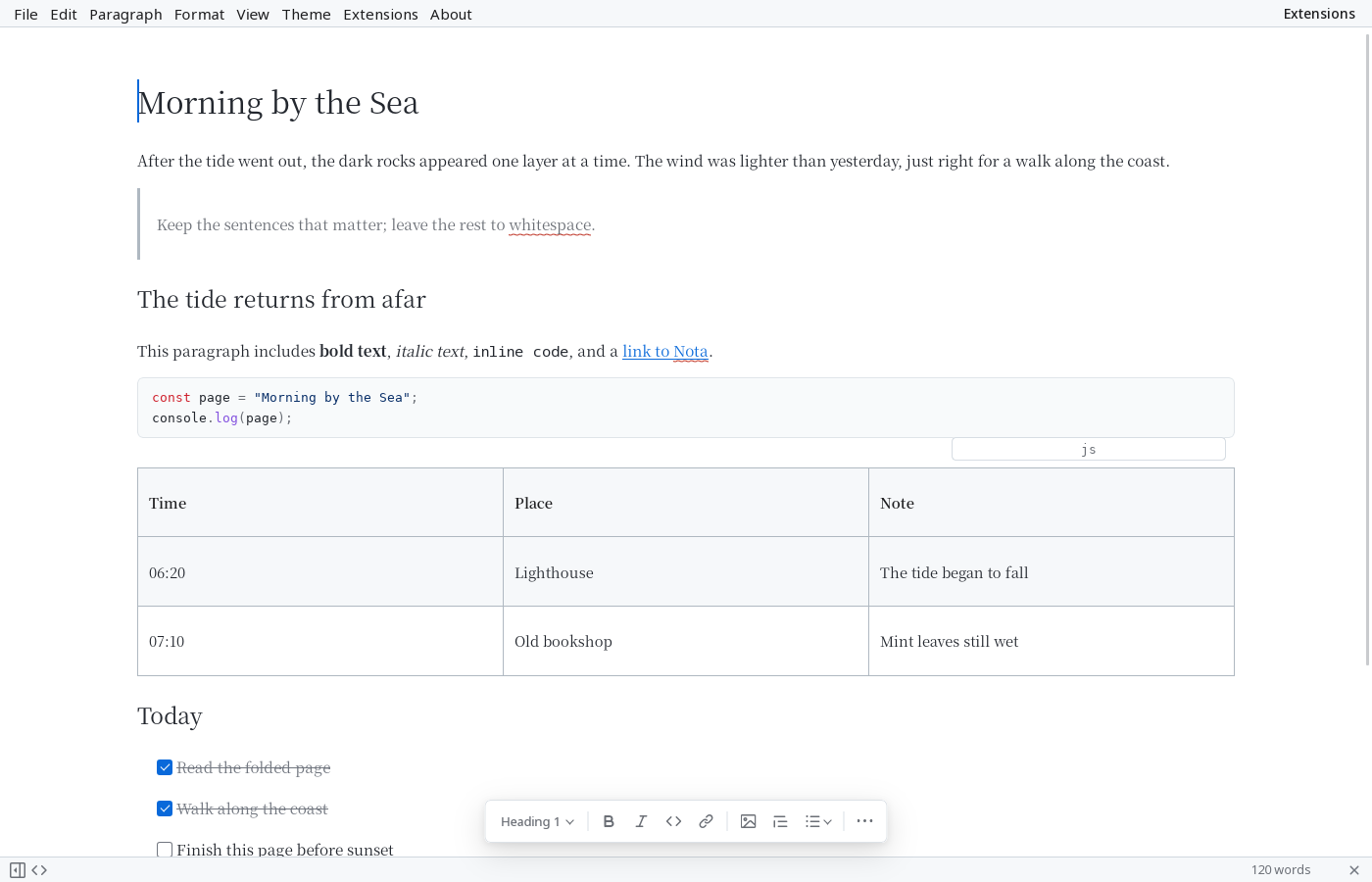
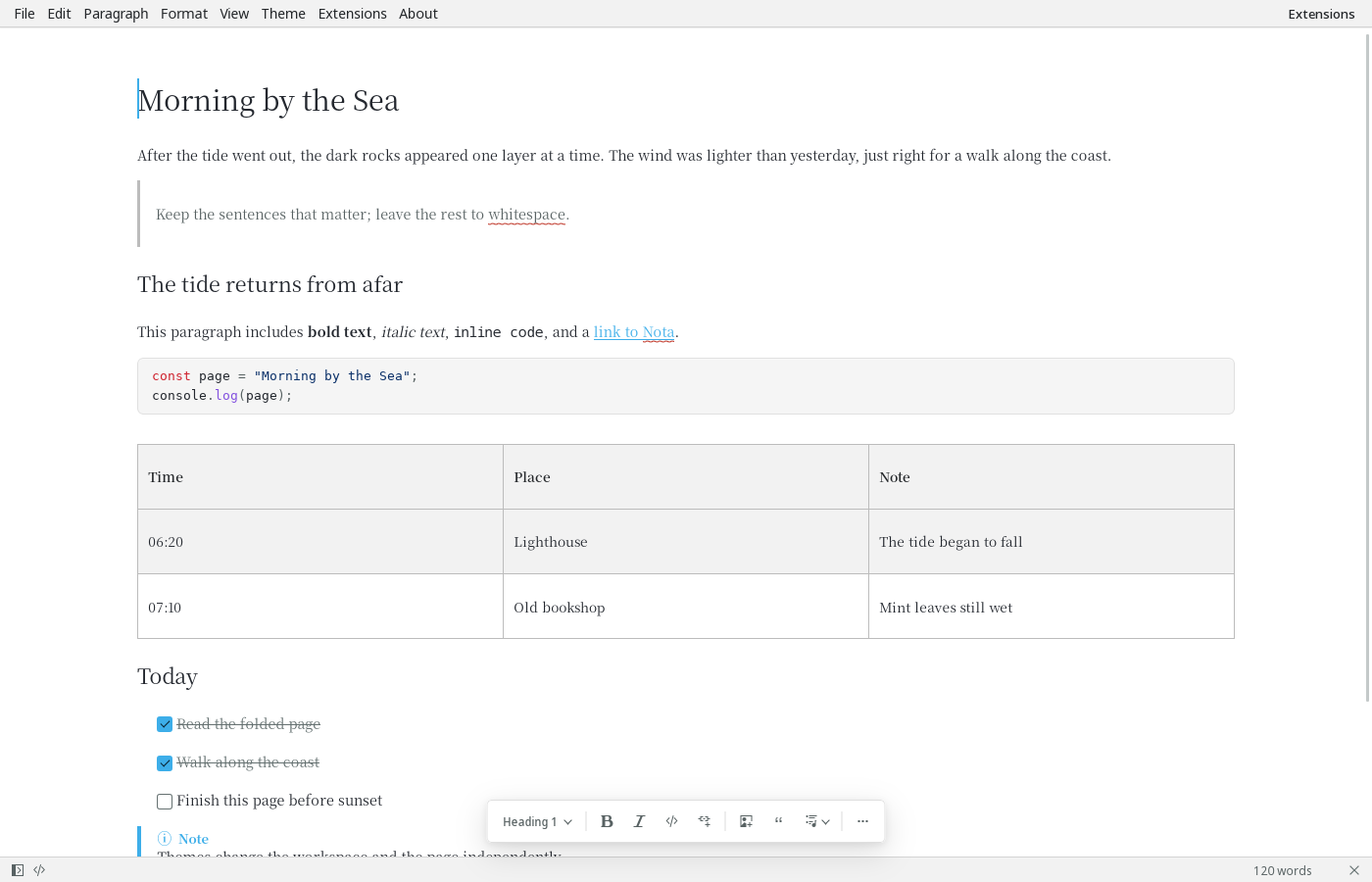
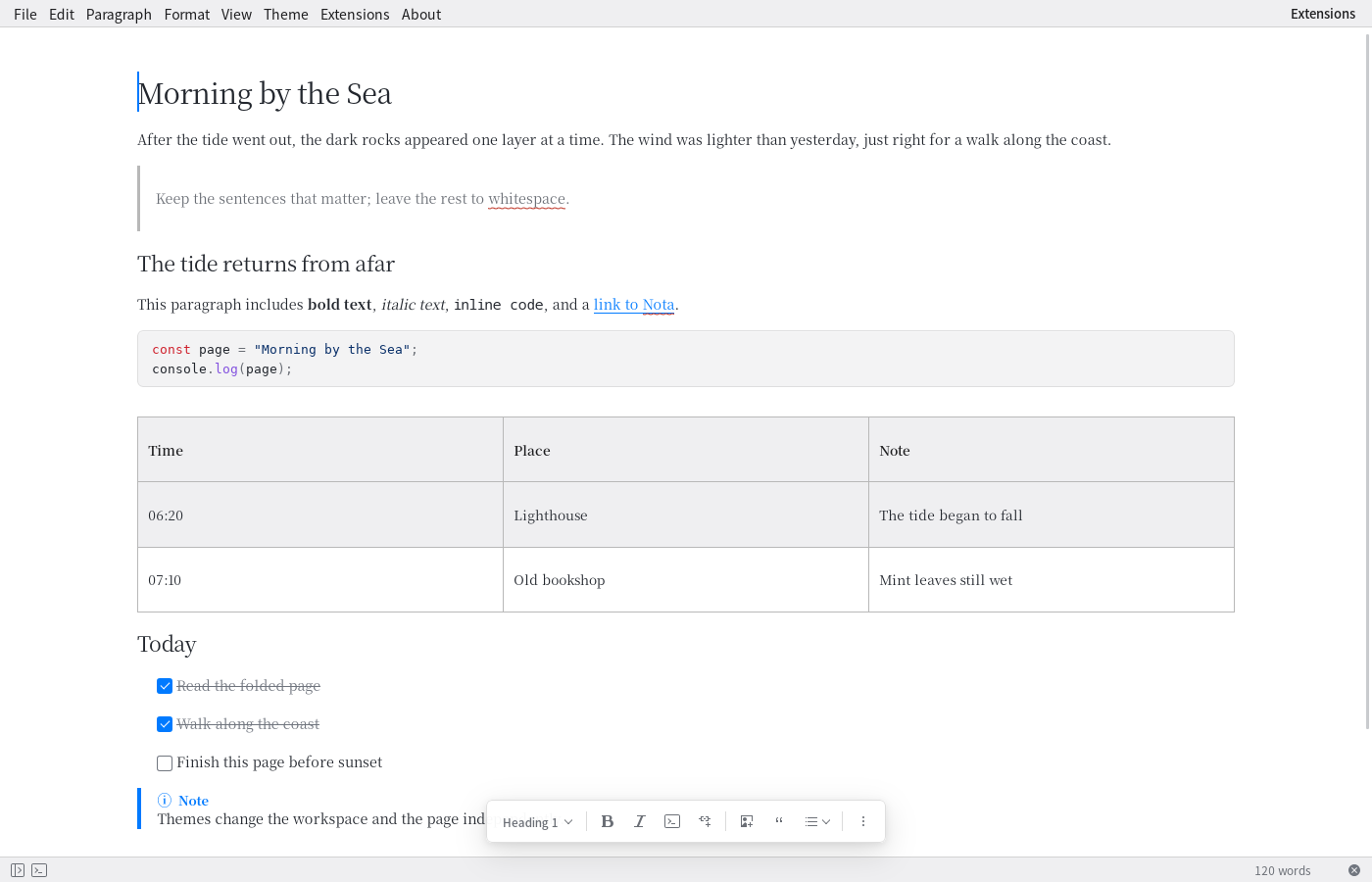
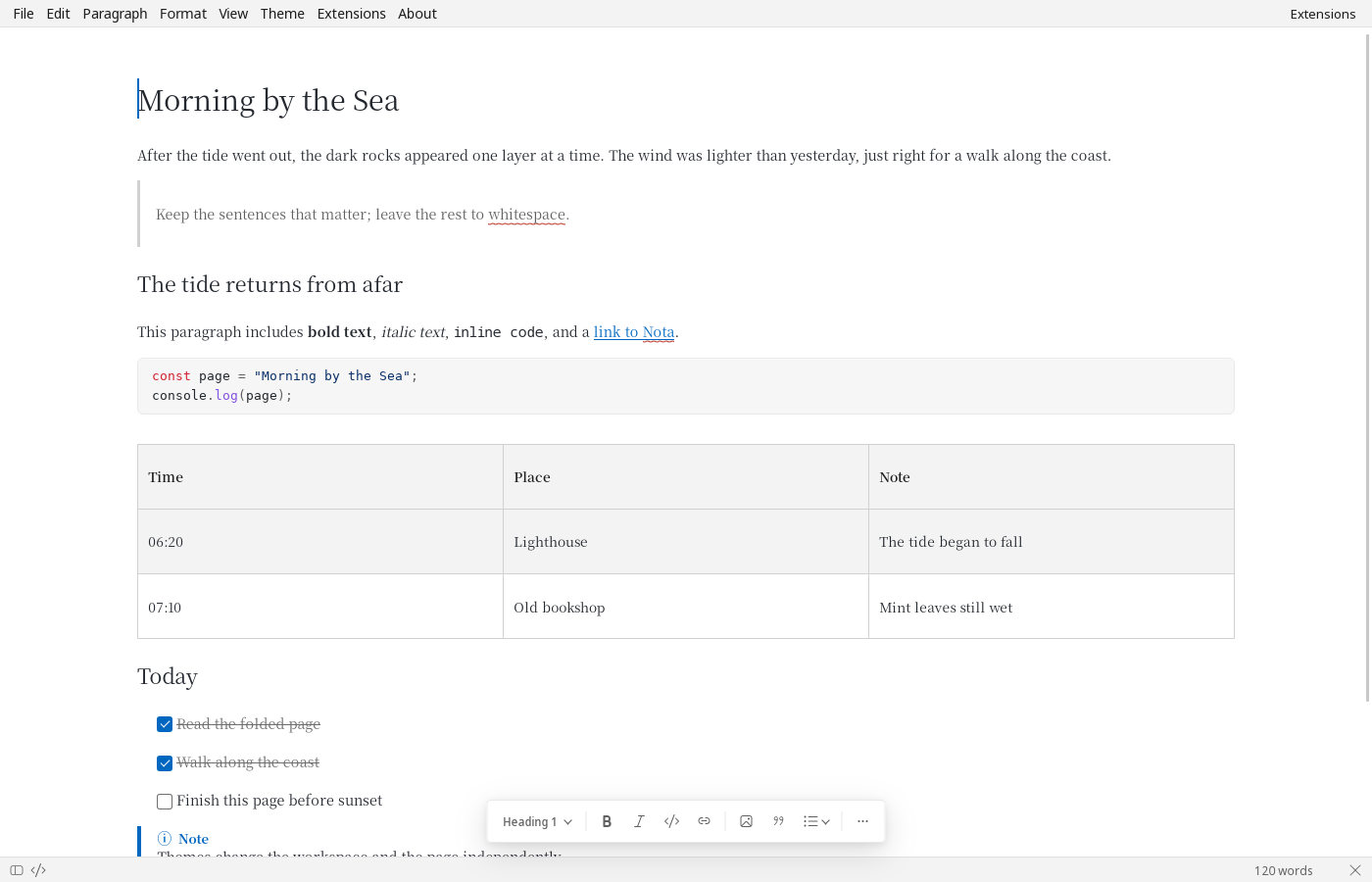
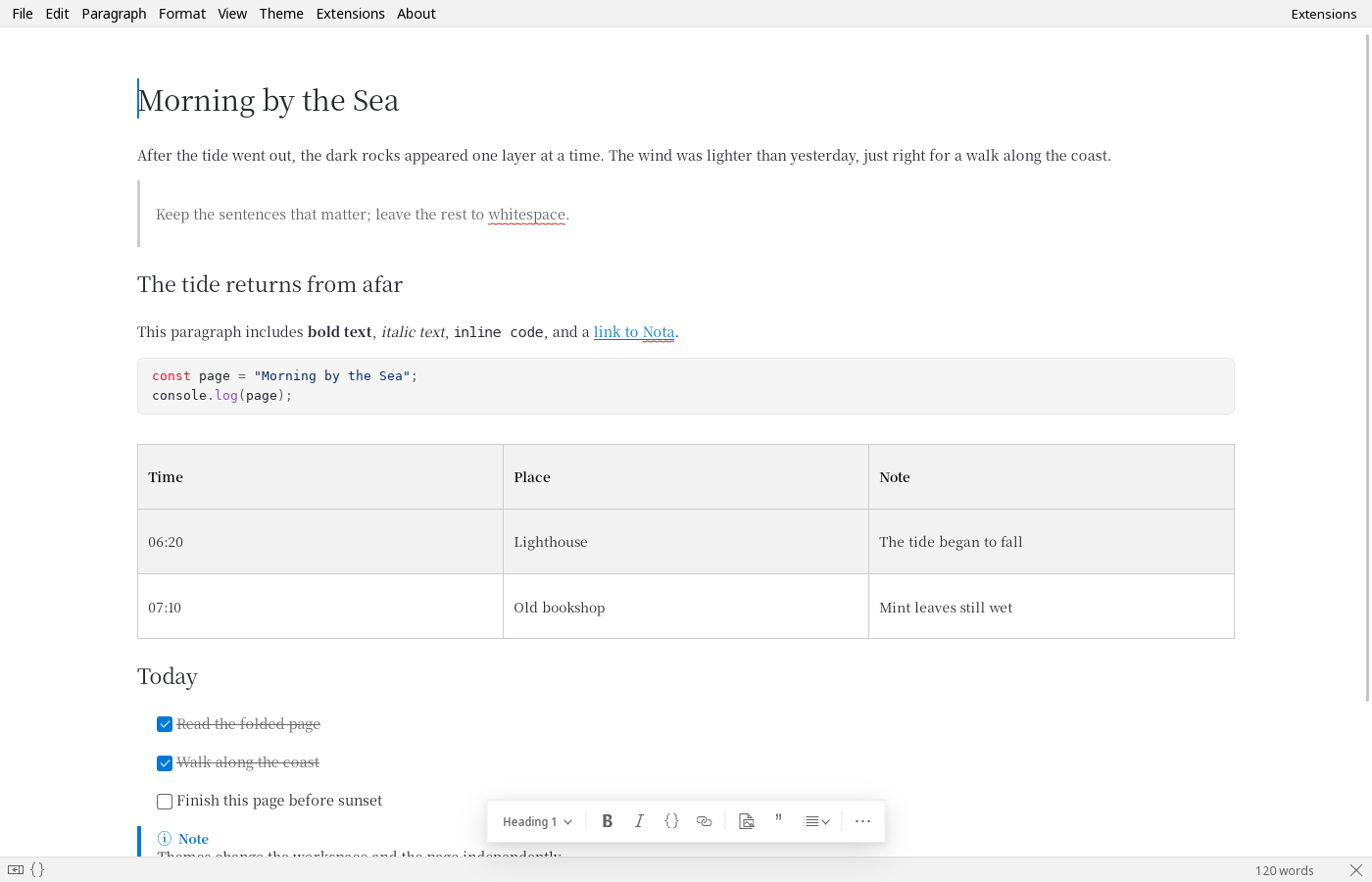
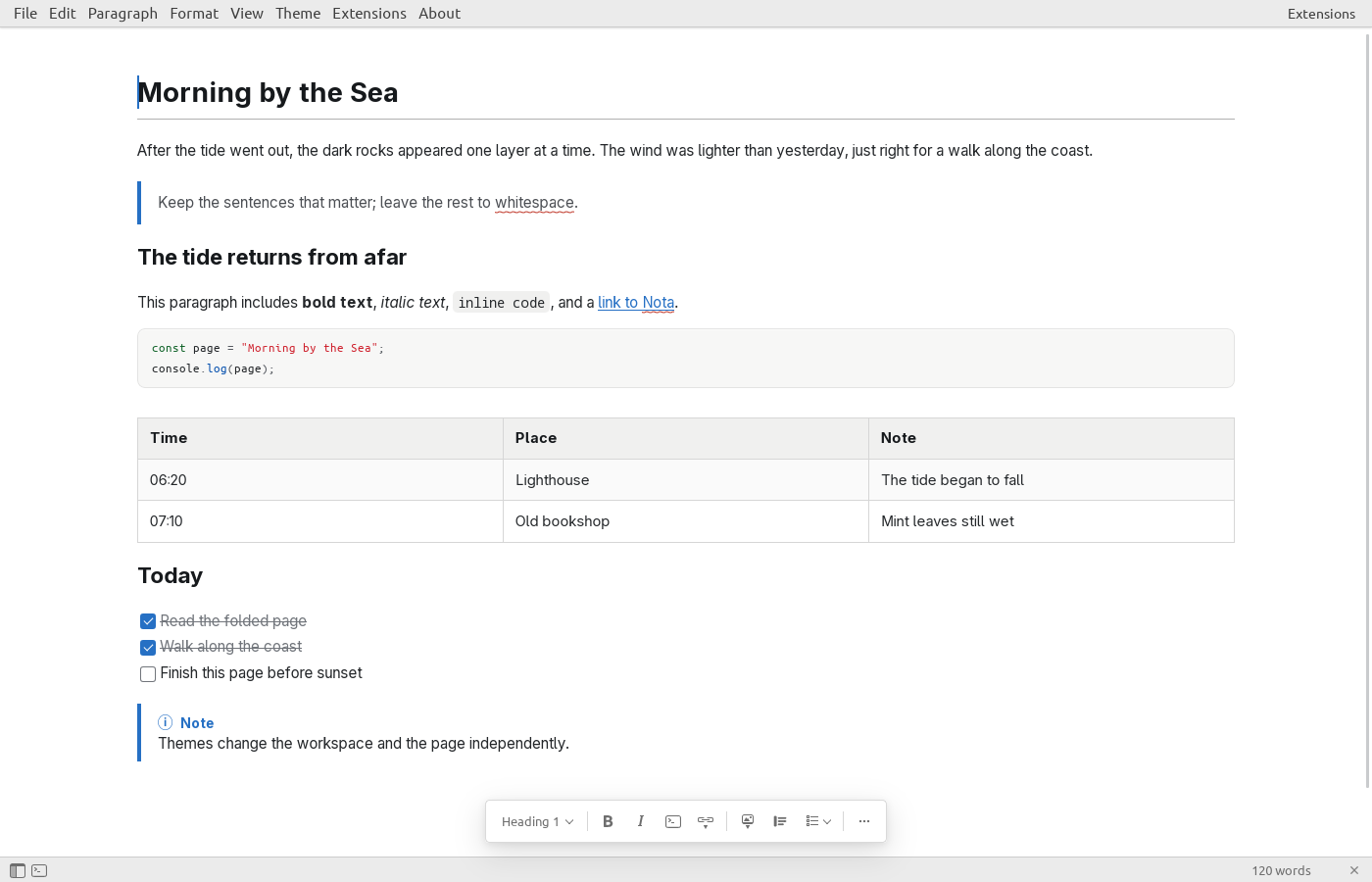
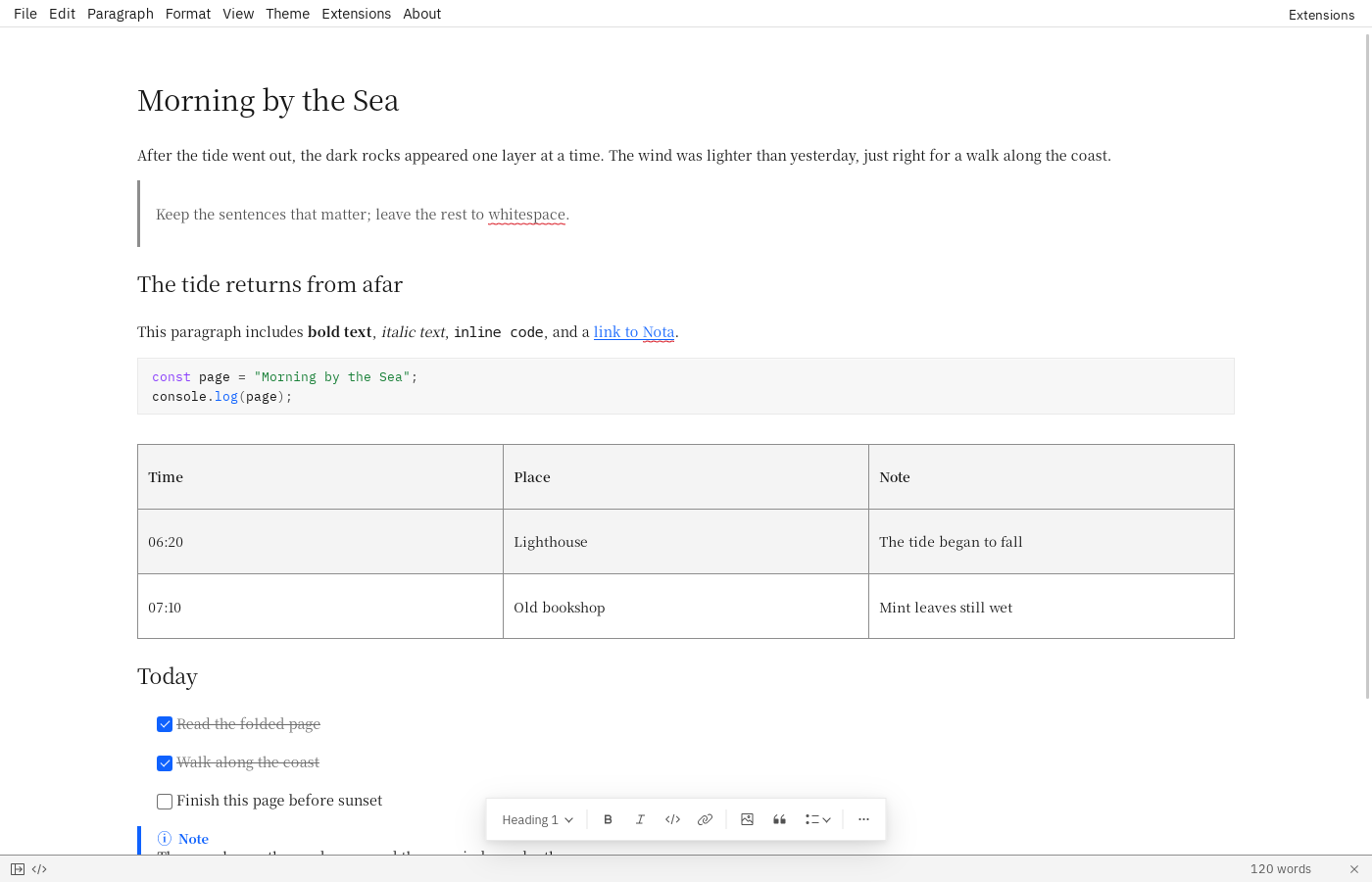
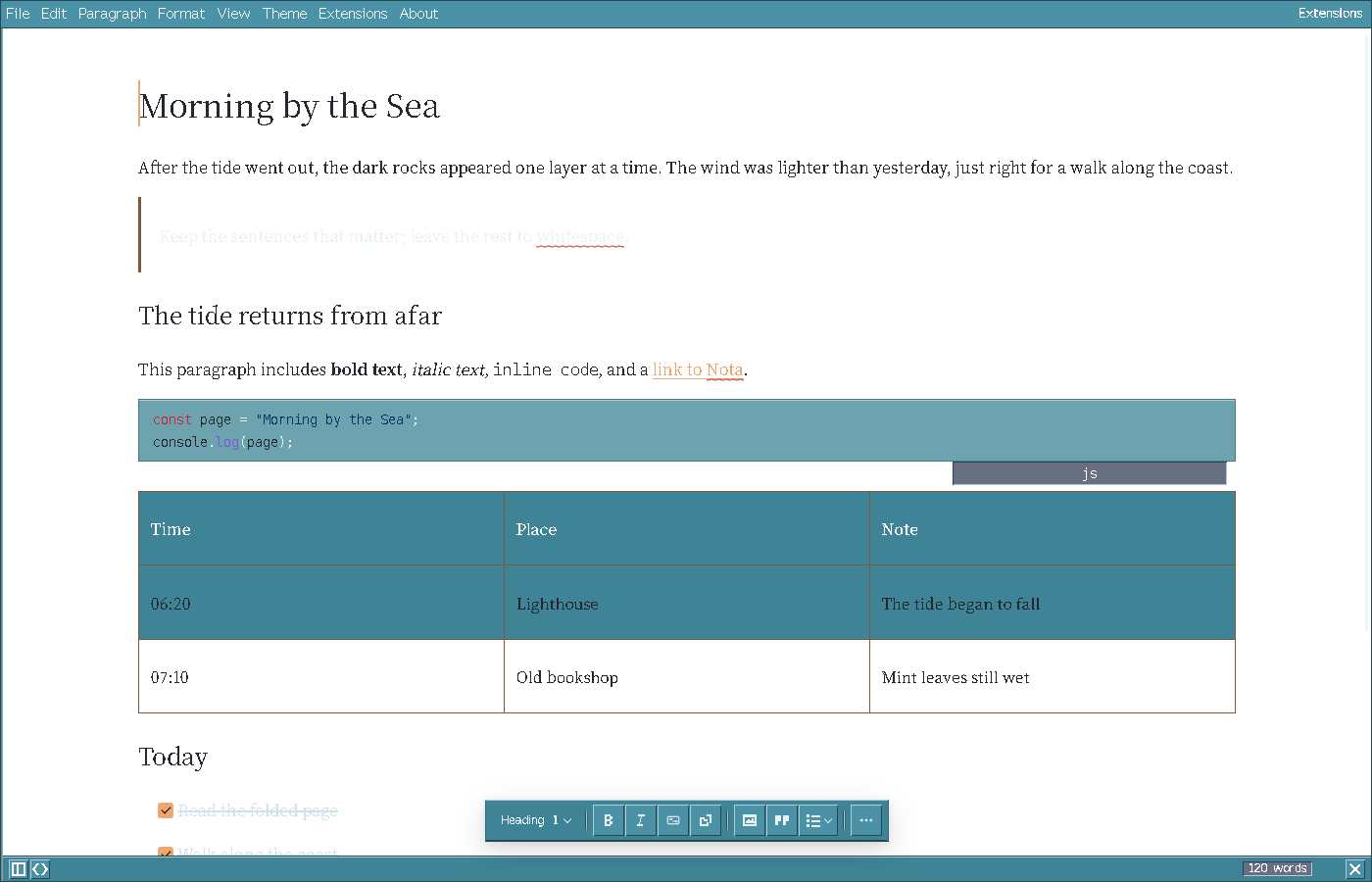
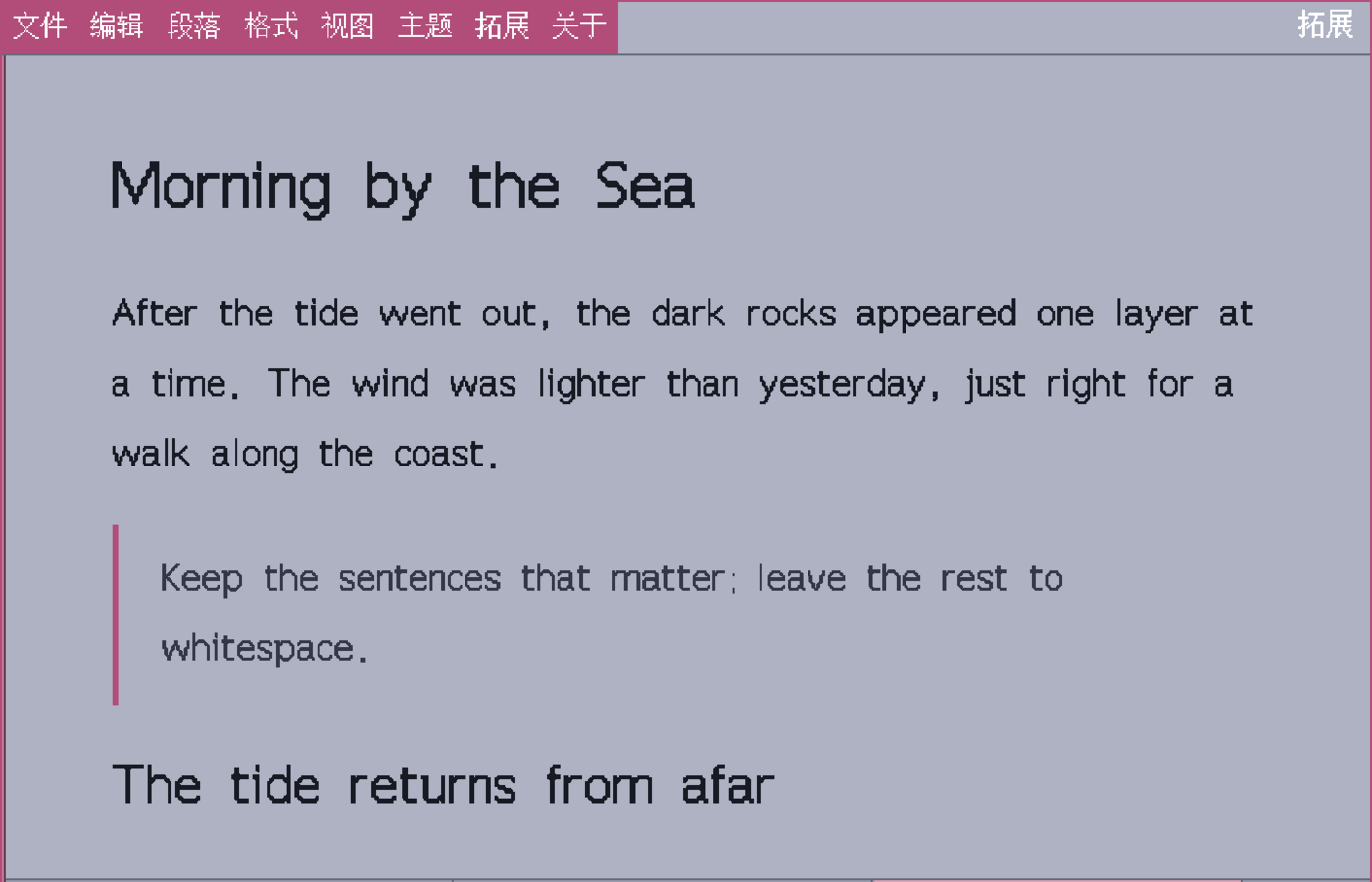
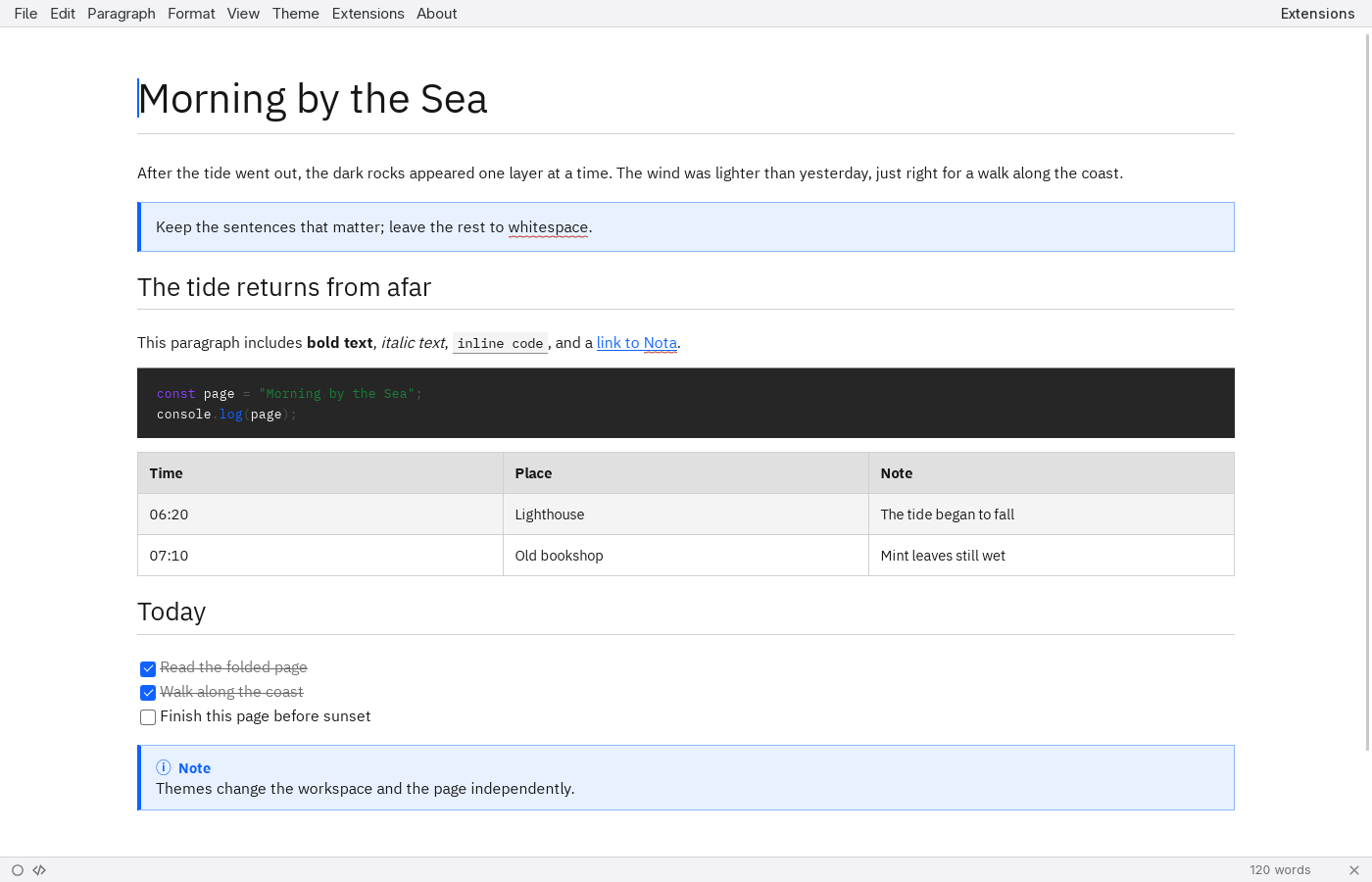
Writing surfaces, code, tables, tasks, and notices under the same test document.

Latest release
Download the package for your system, or read the documentation and build from source.